Introduction
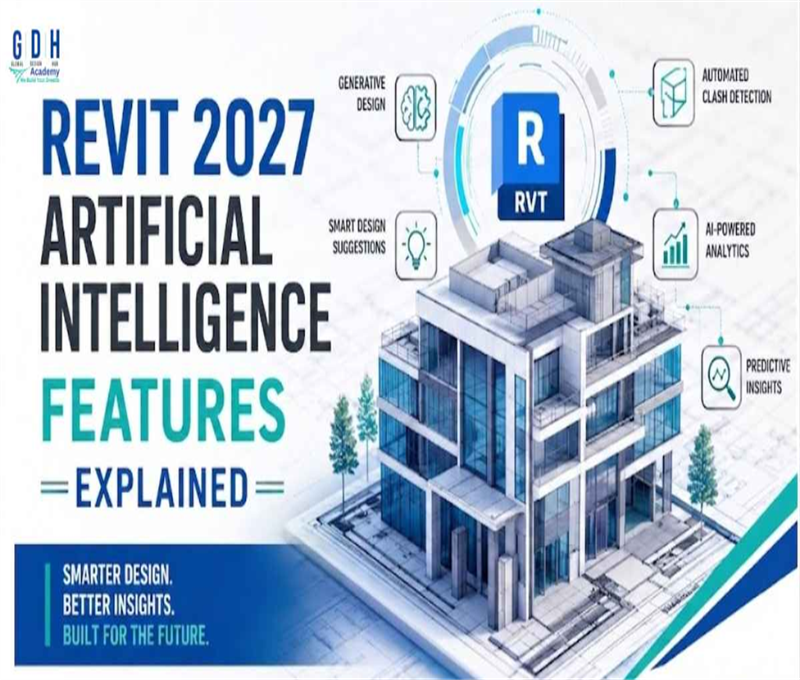
The architecture, engineering, and construction (AEC) industry is rapidly evolving, and Autodesk Revit 2027 is leading the way with powerful Artificial Intelligence (AI) features. These advancements are transforming how professionals design, analyze, and execute building projects. Whether you're an architect, structural engineer, or BIM professional, understanding Revit 2027's AI capabilities can significantly boost your productivity and project accuracy.
In this article, we'll break down the key AI features in Revit 2027 and explain how they are reshaping modern building design.
What is AI in Revit 2027?
Artificial Intelligence in Revit 2027 refers to the integration of smart algorithms that assist users in automating repetitive tasks, optimizing designs, and making data-driven decisions. Instead of manually handling every detail, AI helps you work smarter by predicting outcomes, suggesting improvements, and reducing errors.
1. AI-Powered Generative Design
One of the most exciting features in Revit 2027 is Generative Design enhanced with AI. This tool allows users to input design goals such as space utilization, lighting, ventilation, and cost constraints. The AI then generates multiple design options based on these parameters.
Key Benefits:
- Saves time during the conceptual phase
- Provides multiple optimized layout options
- Improves decision-making with data-backed results
For example, if you're designing a residential building, AI can generate floor plans that maximize natural light and airflow while minimizing construction costs.
2. Smart Design Suggestions
Revit 2027 introduces AI-driven design recommendations that analyze your project in real-time. These suggestions help improve efficiency, sustainability, and compliance with building standards.
Features Include:
- Layout optimization tips
- Material selection suggestions
- Energy-efficient design recommendations
This feature acts like a virtual assistant, guiding you throughout the design process and helping you avoid costly mistakes.
3. Automated Clash Detection and Resolution
Clash detection has always been a crucial part of BIM workflows. In Revit 2027, AI takes it to the next level by not only identifying clashes but also suggesting solutions.
Advantages:
- Detects conflicts between structural, mechanical, and electrical systems
- Suggests automatic fixes
- Reduces manual coordination effort
This significantly improves collaboration between teams and ensures smoother project execution.
4. Intelligent Modeling Automation
Creating complex models can be time-consuming. Revit 2027 uses AI to automate repetitive modeling tasks such as:
- Placing walls, doors, and windows
- Adjusting dimensions based on design changes
- Auto-generating structural elements
With this feature, users can focus more on creativity and less on manual drafting work.
5. AI-Based Energy Analysis
Sustainability is a major focus in modern construction. Revit 2027 includes AI-powered energy analysis tools that evaluate building performance in real-time.
What It Does:
- Analyzes energy consumption
- Suggests eco-friendly materials
- Recommends design improvements for better efficiency
This helps architects design greener buildings while meeting environmental regulations.
6. Predictive Project Insights
Another powerful feature is predictive analytics. Revit 2027 uses AI to analyze past project data and provide insights into:
- Project timelines
- Cost estimation
- Risk management
This enables better planning and reduces unexpected delays or budget overruns.
7. Natural Language Commands
Revit 2027 introduces a more user-friendly interface with natural language processing (NLP). Users can now give simple text or voice commands like:
- "Create a 3-bedroom layout"
- "Add windows to the north wall"
The AI understands and executes these commands, making the software easier to use, especially for beginners.
8. AI-Enhanced Collaboration
Collaboration becomes smoother with AI integration. Revit 2027 improves teamwork by:
- Syncing real-time updates across teams
- Highlighting changes automatically
- Suggesting conflict resolutions
This is especially useful for large-scale projects involving multiple stakeholders.
Why Revit 2027 AI Features Matter
The introduction of AI in Revit 2027 is not just an upgrade—it's a transformation. Here's why it matters:
- Increased Productivity: Automates repetitive tasks and speeds up workflows
- Improved Accuracy: Reduces human errors in design and modeling
- Better Decision-Making: Provides data-driven insights
- Enhanced Creativity: Frees up time for innovative design thinking
Who Should Learn Revit 2027?
Revit 2027 with AI features is ideal for:
- Architecture students and professionals
- Civil and structural engineers
- Interior designers
- BIM modelers and coordinators
Learning these advanced tools can give you a competitive edge in the job market.
Future of AI in BIM
AI in BIM is just getting started. Future updates may include:
- Fully automated building design
- Real-time construction monitoring
- Advanced robotics integration
Revit 2027 is a glimpse into this future, where intelligent systems handle complex tasks with minimal human intervention.
Conclusion
Revit 2027's Artificial Intelligence features are revolutionizing the way buildings are designed and constructed. From generative design to predictive analytics, these tools empower professionals to work faster, smarter, and more efficiently. If you want to stay ahead in the AEC industry, mastering Revit 2027 and its AI capabilities is essential. Embracing these technologies today will prepare you for the future of smart construction and digital design.